Why Customer Photo Updates Can Outweigh a Business Reply

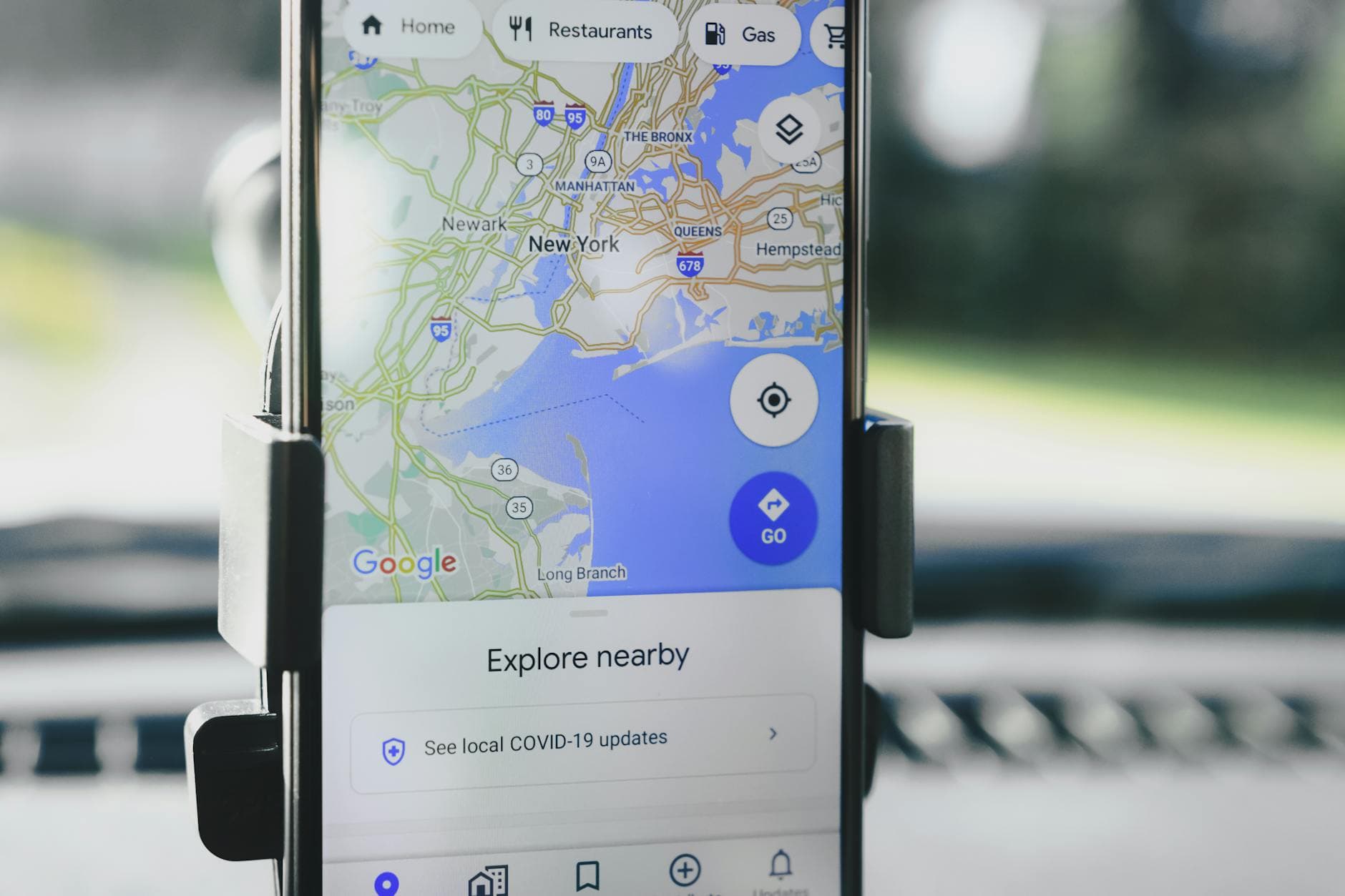
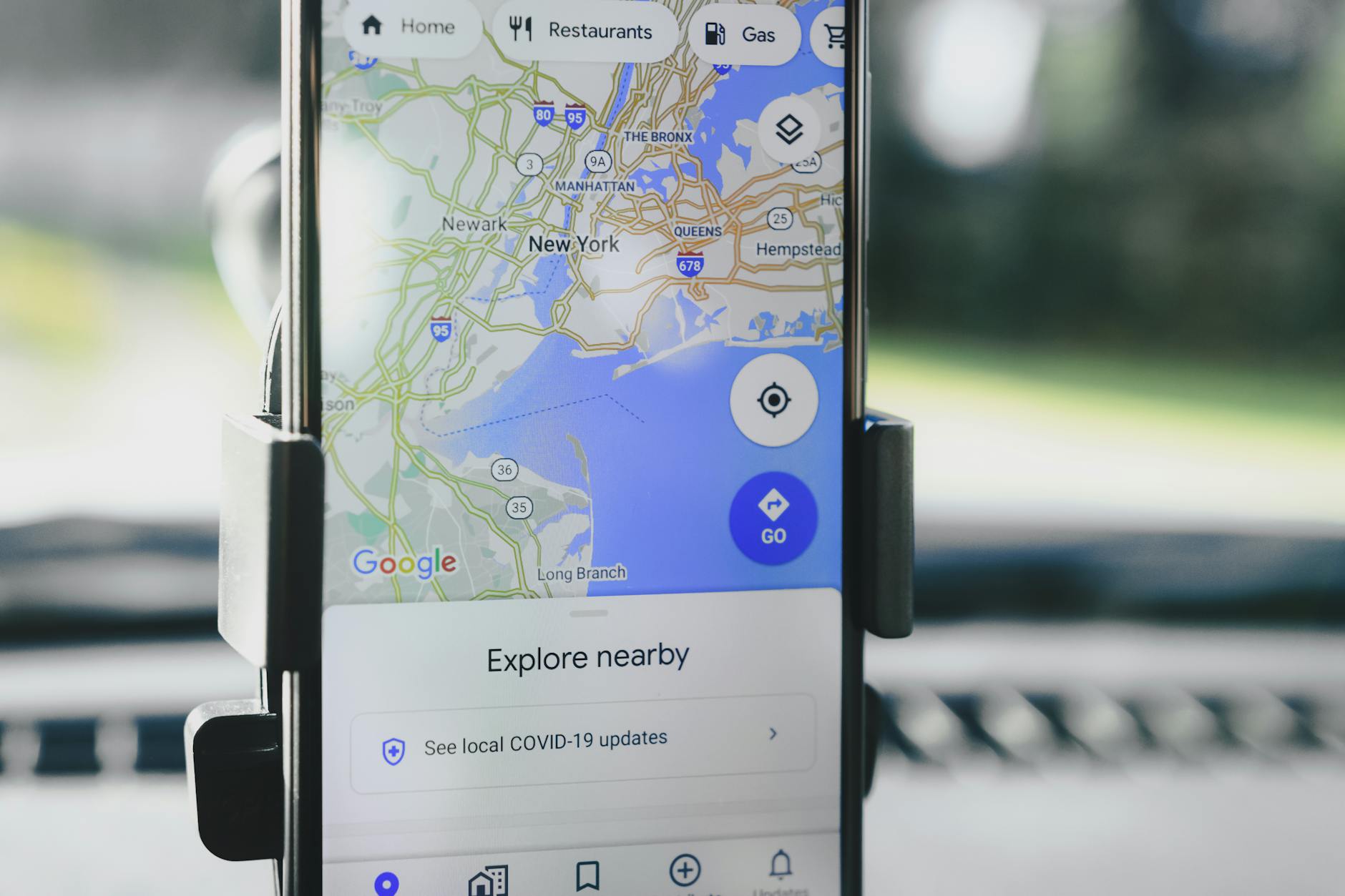
Understanding Google Business Profile Photo Updates
Google Business Profile photo updates play a pivotal role in shaping a business's online image. These updates allow customers to share their experiences visually, influencing potential clients' perceptions. However, businesses must navigate a more constrained response system, which can challenge maintaining an accurate and flattering portrayal.
The Role of Customer Photos in Building Trust
When customers upload photos to a Google Business Profile, they offer a unique, authentic glimpse into the actual experience a business provides. This user-generated content is powerful; it can quickly build trust and attract new customers by providing visual proof of service quality and ambiance.
Challenges Faced by Businesses in Responding
Unlike customers, businesses cannot directly mirror these visual updates with immediate media responses. The reply mechanism for a Google photo update is not as dynamic, often limited to text responses. This restriction demands that businesses focus on proactive photo strategies and documentation to ensure their profile remains accurate and inviting.
Adapting to Visual Asymmetry with Proof and Documentation
Given the visual asymmetry, local businesses should adopt a proactive approach by regularly updating their photo galleries with high-quality images. Documenting key events, renovations, or new offerings through images ensures that the business's profile reflects its current state and offerings.
Implementing a Photo-First Workflow
Creating a photo-first workflow involves systematically capturing and uploading quality images that highlight the best of what your business offers. This process should become a routine part of your operational strategy, ensuring that your online presence is consistently updated and appealing.
Practical Steps to Enhance Your Google Business Profile
- Regular Updates: Schedule regular photo updates to keep your profile fresh and relevant.
- Professional Photography: Consider hiring a professional photographer to capture the essence of your business.
- Engage Customers: Encourage satisfied customers to share their photos and experiences.
- Monitor and Respond: Actively monitor photo updates and respond to them appropriately to manage your online reputation.
Tools and Strategies for Managing Your Online Reputation
Utilizing tools like Tailwind can streamline your review management and photo update processes. With features designed to enhance local business presence and trust signals, these tools can help you maintain a positive and influential online identity.
Frequently Asked Questions
What are Google Business Profile photo updates?
Google Business Profile photo updates are images added by customers to a business's profile, providing visual insights into the business's offerings and environment.
How often should I update my Google Business Profile photos?
Regular updates are recommended, ideally monthly or quarterly, to keep your profile engaging and representative of any changes in your business.
Can I remove unwanted customer photos from my Google Business Profile?
While businesses cannot remove customer photos directly, they can flag inappropriate images for review by Google.
How can I encourage customers to upload photos?
Encourage photo uploads by engaging customers through incentives like discounts or special offers for sharing their experiences online.
What is a photo-first workflow?
A photo-first workflow prioritizes capturing and updating high-quality images of your business to maintain an appealing and current online presence.
Conclusion
Effectively managing Google Business Profile photo updates is essential for maintaining a trustworthy and attractive online presence. By understanding the dynamics of visual asymmetry and utilizing a photo-first workflow, local businesses can better navigate these updates and enhance their reputation. Tailwind is committed to supporting businesses in building strong online identities through strategic review and photo management.
Subscribe to our newsletter
We send helpful materials once a month, along with information about discounts and special offers. No daily spam
How to unsubscribe from the mailing list?